Free tool
Free signature generator
Draw your signature or type your name, then download it as a transparent image.
Draw your signature
Step by step
How to create a signature online
Draw or type
Draw with a mouse, a finger or a stylus, or type your name.
Pick the look
Choose the ink colour and line thickness, or a handwriting style.
Download the image
A PNG with a transparent background, ready to place on a page.
Add it to your document
Insert the image in Word, Google Docs, a PDF or an email signature.
What it does
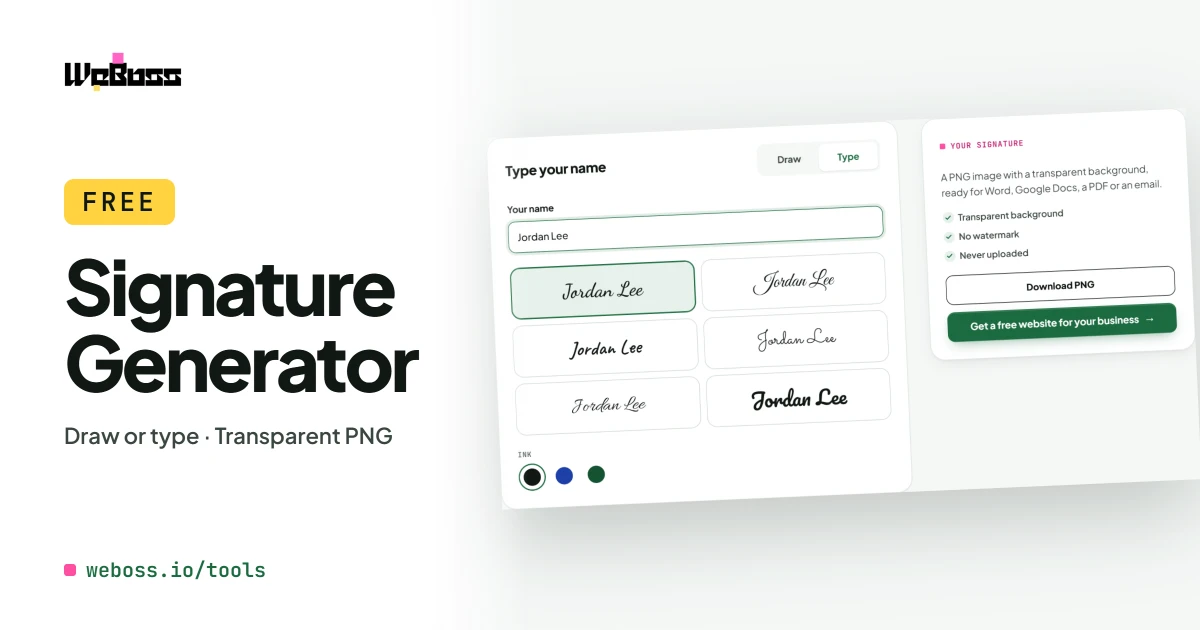
A signature maker that draws or types your signature
Use it as an online signature maker, a signature creator or a handwritten signature generator. Draw it or type it, and take the image with you.
-
Draw your signature
With a mouse, a trackpad, a finger or a stylus. Lines are smoothed as you draw.
-
Type your name
Six handwriting styles to choose from.
-
Transparent PNG
No white box around it, so it sits cleanly on any document.
-
Ink colour and thickness
Black, blue or dark green, thin or bold.
-
Undo and clear
Take back the last stroke or start again.
-
Works on a phone
Sign with your finger and download the image.
-
Never uploaded
It is drawn in your browser and is not sent to any server.
-
Free, no watermark
No sign-up, and nothing added to your image.
After you download
How to add your signature to a document
- Word: Insert, Pictures, choose the PNG, then drag it onto the signature line.
- Google Docs: Insert, Image, Upload from computer. Set the image to sit in front of the text.
- PDF: open it in a reader with a fill-and-sign or add-image tool and place the PNG.
- Email: add the image to your signature in your mail app's settings.
Need to sign and send an estimate? Total the job first with the markup calculator.
Is it legally valid?
In the United States, the ESIGN Act and the UETA say a signature cannot be refused only because it is electronic.
Whether an image of your signature is enough depends on the document and on who asks for it. For contracts that need proof of who signed and when, use an e-signature service that keeps a record.
This is general information, not legal advice.
Who it is for
An online signature for estimates, letters and forms
Small business owners
Sign estimates, invoices and letters without printing them.
Freelancers
Put a signature at the foot of a proposal or an email.
Anyone with a form to return
Add your signature to a PDF and send it back.
How do I create a handwritten signature online?
Choose Draw, sign in the box with a mouse, a finger or a stylus, and press Download PNG. If you would rather not draw, choose Type, enter your name and pick one of the handwriting styles.
How do I add my signature to a Word document?
In Word, choose Insert, then Pictures, and pick the PNG you downloaded. Drag it to the signature line and resize it. Because the background is transparent, the line and the text under it stay visible.
How do I add my signature to a PDF?
Open the PDF in a reader that can add images, choose its fill-and-sign or add-image tool, and place the PNG where the signature goes. On a Mac, Preview can do this; on Windows and phones the free Adobe Acrobat Reader can.
Is a drawn or typed signature legally valid?
In the United States, the ESIGN Act and the UETA say a signature cannot be refused only because it is electronic. Whether an image of your signature is enough depends on the document and on who is asking for it. For contracts that need proof of who signed and when, use an e-signature service that keeps a record. This is not legal advice.
What is the difference between this and an e-signature service?
This makes a picture of your signature to place on a document yourself. An e-signature service sends the document to each signer and keeps a record of who signed and when.
Does the image have a transparent background?
Yes. The download is a PNG with only the ink, so it does not cover what is behind it.
Is my signature saved or uploaded?
No. It is drawn in your browser and never sent to WeBoss or anyone else. It is not kept after you close the page, so download it before you leave.
Get started