
Free tool for cleaners
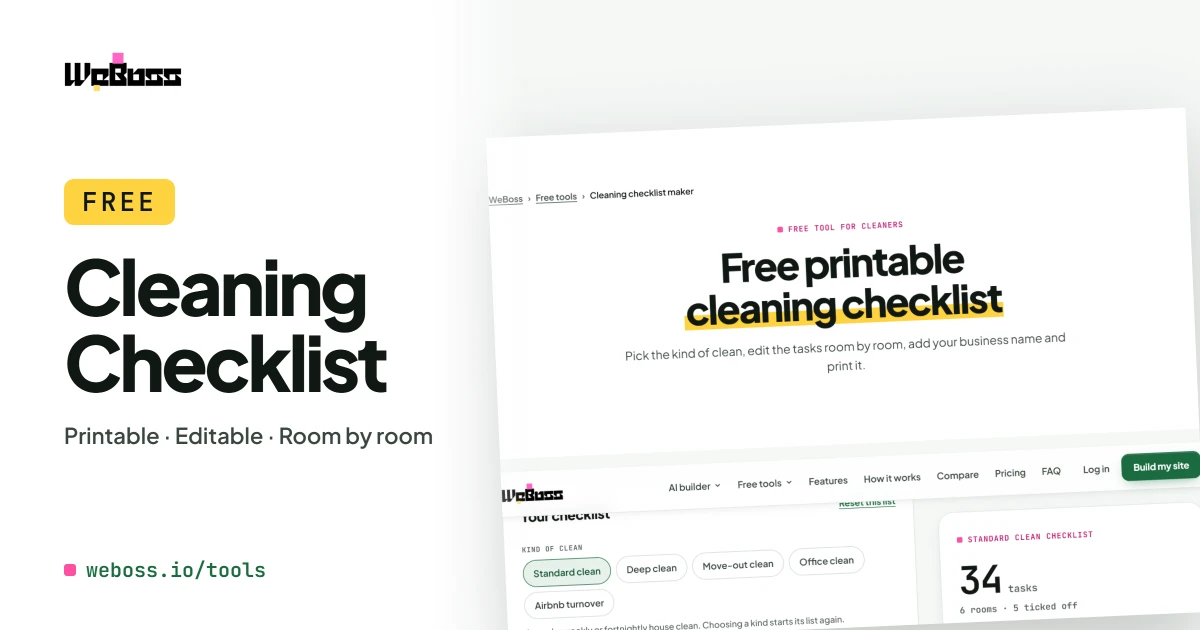
Free printable cleaning checklist
Pick the kind of clean, edit the tasks room by room, add your business name and print it.
Step by step
How to make a cleaning checklist
Pick the kind of clean
Standard, deep, move-out, office or Airbnb turnover.
Edit the rooms
Remove tasks you do not do and add your own. Add or remove whole rooms.
Add your details
Your business name, the client or address, and the date.
Print or save a PDF
A clean checklist with a tick box beside every task.
What it does
An editable cleaning checklist template, free to print
A house cleaning checklist, a deep cleaning checklist, a move-out list and more, each one a template you change to fit how you work.
-
House cleaning checklist
A room-by-room list for a regular weekly house clean.
-
Deep cleaning checklist
The standard clean plus ovens, baseboards, grout and the rest.
-
Move-out, office and Airbnb
Three more starting lists for the jobs cleaners take most.
-
Edit every task
Remove a line, add your own, add a room. It is your list.
-
Your business name on it
The name, the client and the date print at the top.
-
Printable PDF
A tidy sheet with a tick box for every task.
-
Tick as you go
Use it on a phone on the job and tick tasks off on screen.
-
Free and private
No sign-up. Your checklist stays in your browser.
How to use it
How to use a cleaning checklist with a crew
- Work top to bottom: dust before you vacuum, and do floors last, so dirt is not moved onto a clean surface.
- One list per kind of job: a deep clean and a turnover are different jobs. Keep a list for each.
- Make it yours: remove what you do not offer and add what you do, so the list matches your quote.
- Tick as you go: on a phone on the job, or on the printed sheet.
- Leave a copy: a ticked and signed checklist shows the client what was done.
The lists are a starting point, not an industry standard. Change them to fit the home and the job.
What each checklist covers
| Checklist | Rooms | Tasks |
|---|---|---|
| Standard clean | 6 | 34 |
| Deep clean | 6 | 54 |
| Move-out clean | 5 | 34 |
| Office clean | 6 | 32 |
| Airbnb turnover | 6 | 34 |
Counts are the starting lists, before you edit them.
Who it is for
A cleaning checklist for businesses, hosts and homes
Cleaning businesses
Give every cleaner the same list, and leave a ticked copy with the client.
Airbnb hosts and property managers
Make sure each turnover and move-out is done the same way.
Households
Split the weekly clean into rooms and tasks everyone can follow.
What should a house cleaning checklist include?
Go room by room. For every room: dust, wipe switches and handles, empty bins, vacuum and mop. Then the kitchen (counters, sink, stovetop, appliance fronts, microwave) and the bathrooms (toilet, shower, sink, mirrors, floor). The Standard clean list here has all of it and you can edit each line.
What is the difference between a standard clean and a deep clean?
A deep clean is the standard clean plus the jobs done a few times a year: inside the oven and fridge, baseboards, ceiling fans, window sills, grout, and behind furniture. Pick Deep clean to start from that list.
What is on a move-out cleaning checklist?
The home is empty, so everything gets cleaned inside and out: cupboards and drawers, the oven, fridge and dishwasher, windows and tracks, walls and baseboards, and carpets edge to edge. The list ends with photos and a last check of every room.
Is there a checklist for office cleaning and for Airbnb?
Yes. The Office clean list covers reception, desks, meeting rooms, the break room and restrooms. The Airbnb turnover list covers stripping beds, restocking supplies and resetting the home for the next guest.
Can I print the checklist or save it as a PDF?
Yes. Print opens a clean checklist with your business name, the client, the date and a tick box beside every task. Choose "Save as PDF" in the print window to keep a PDF.
Can I add my own tasks and rooms?
Yes. Type a task under any room and press Add, remove any line with the cross, and add a room of your own at the bottom. Your changes are kept in your browser.
Can I put my logo on it?
Your business name prints at the top. A logo upload is not part of this tool.
Get started