Website builder for electricians

Your electrician website, built in a minute

Answer five questions. AI designs your site, with your licence up top, flat-rate quotes and booking.

  • Free to build
  • No card needed
  • Live from $14.99/mo
  • Cancel anytime

In short

What is WeBoss for electricians?

WeBoss designs and writes a website for an electrician from five answers, in about a minute. It puts your licence and the jobs you take up front, gives flat-rate estimates for common work like panel upgrades and EV chargers, and takes bookings while you are on a job. Building is free; going live is $14.99 a month.

  • Free to build
  • Live from $14.99/mo
  • About a minute
  • Cancel anytime

Templates

Electrician website templates

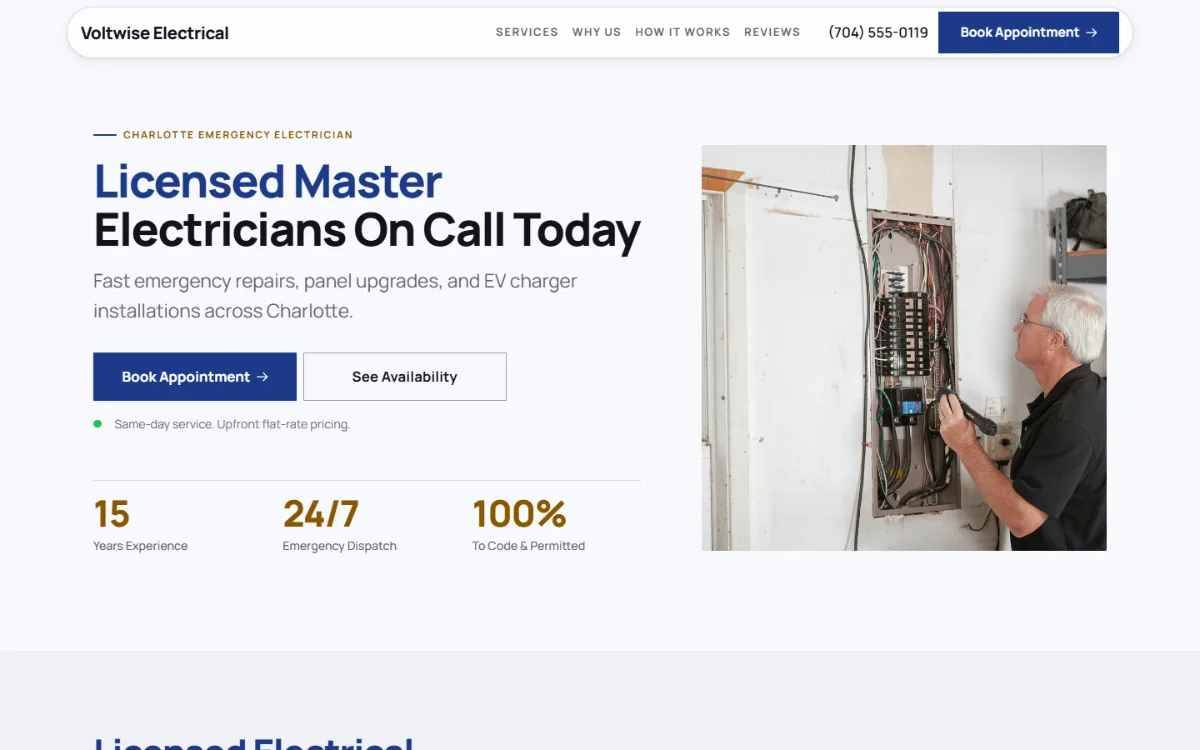
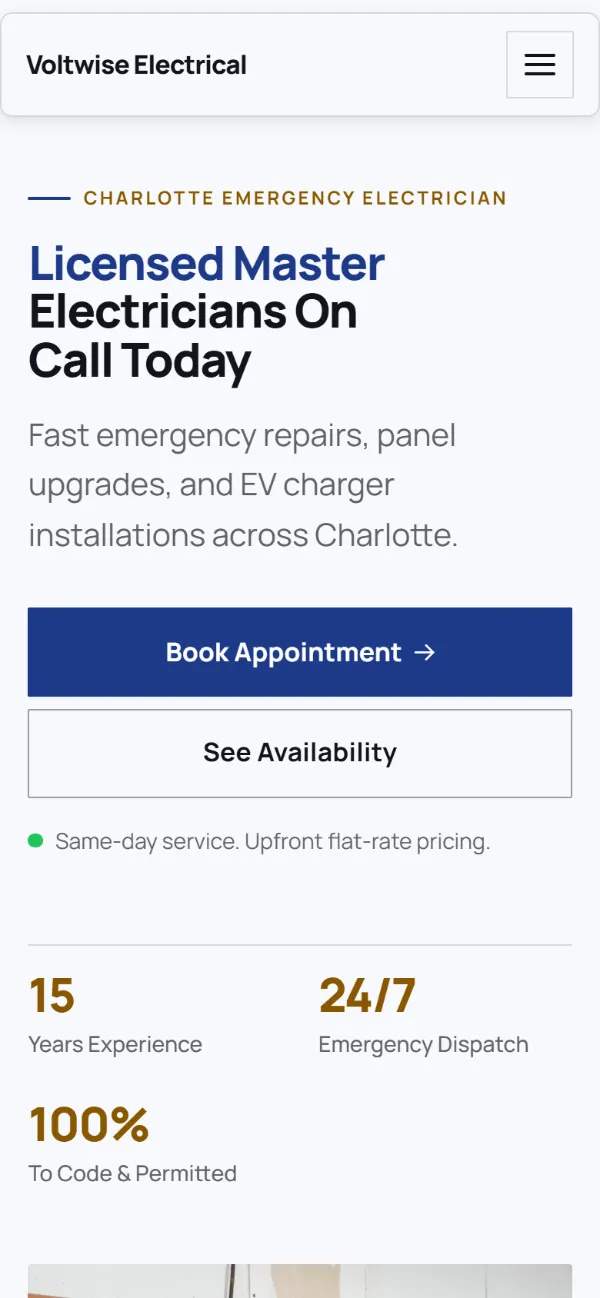
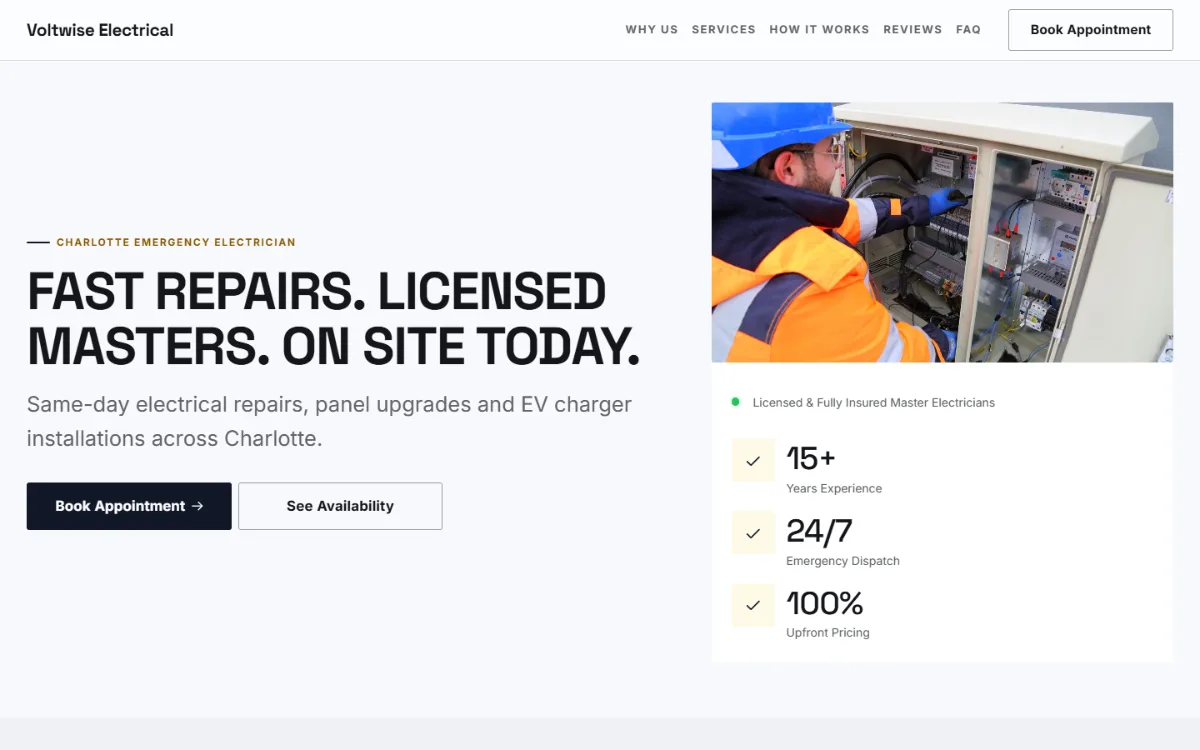
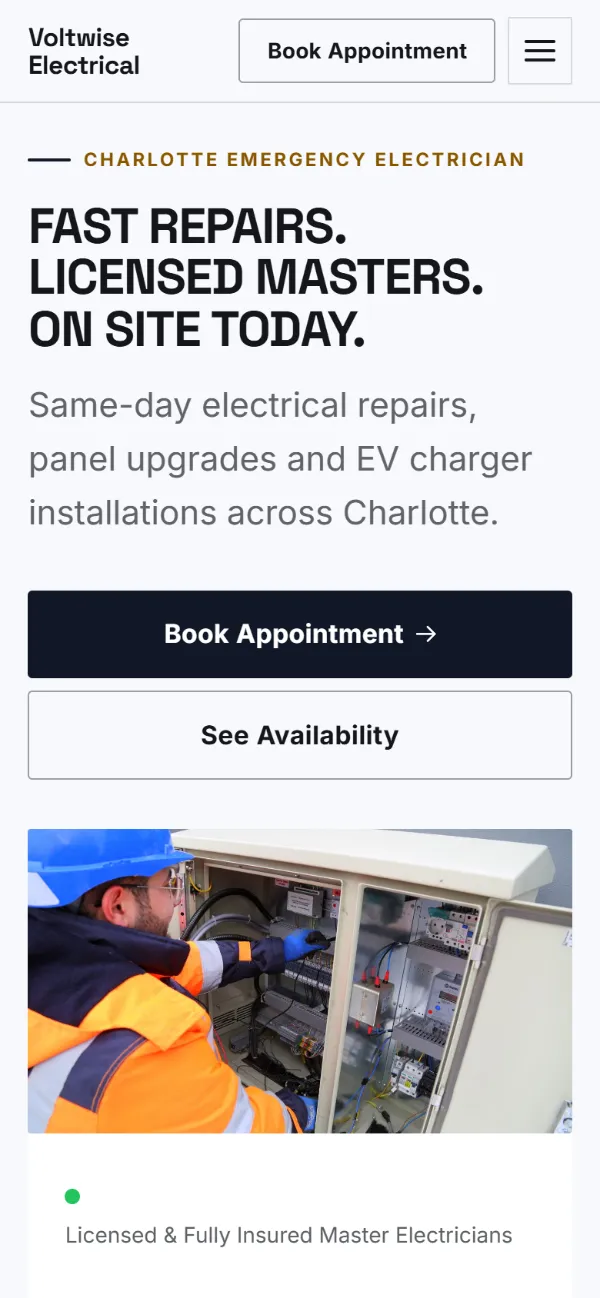
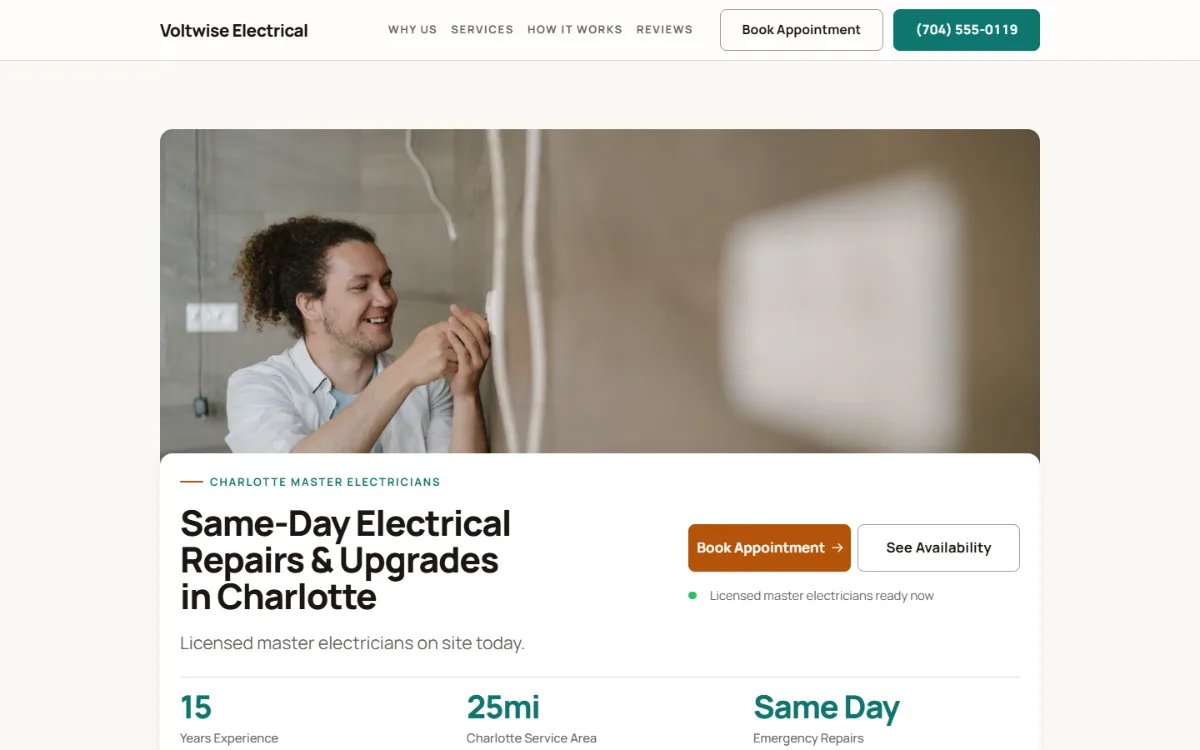
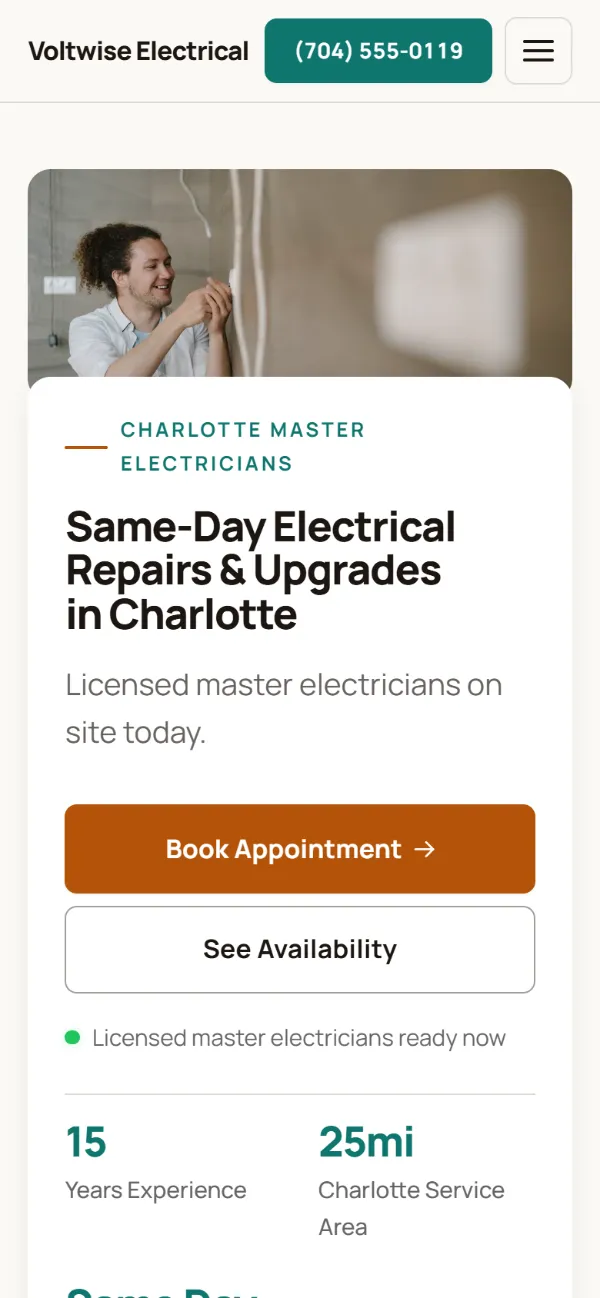
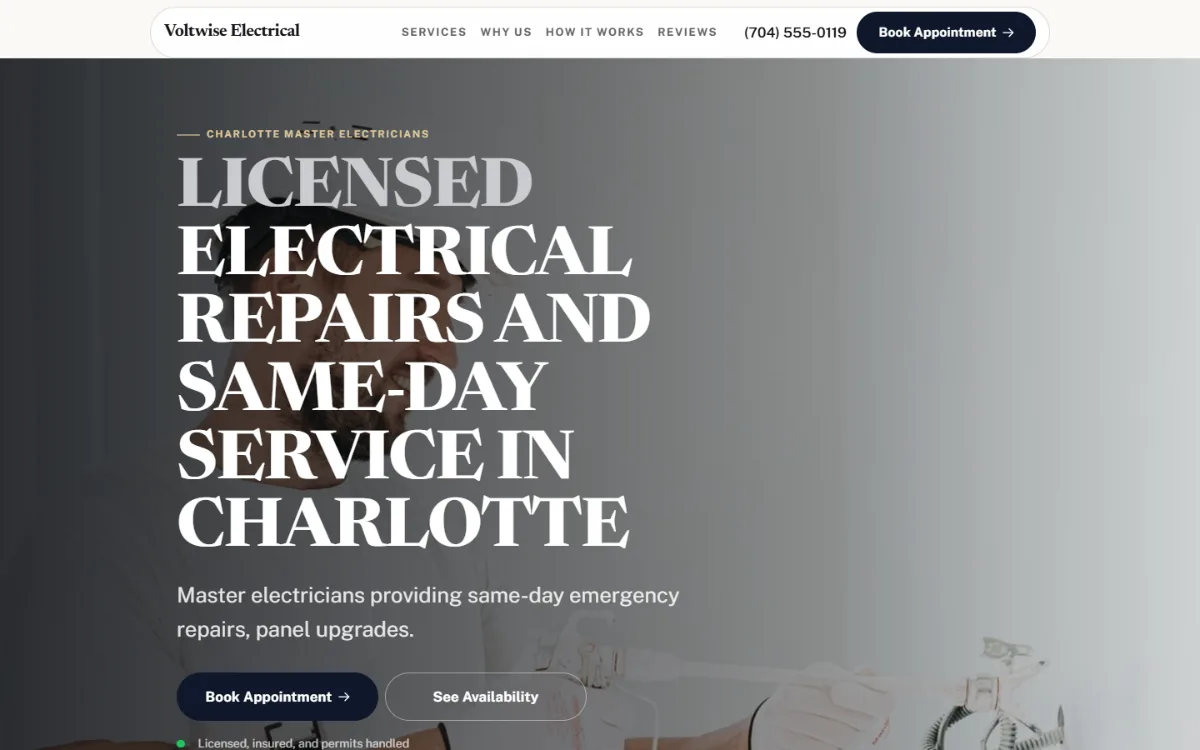
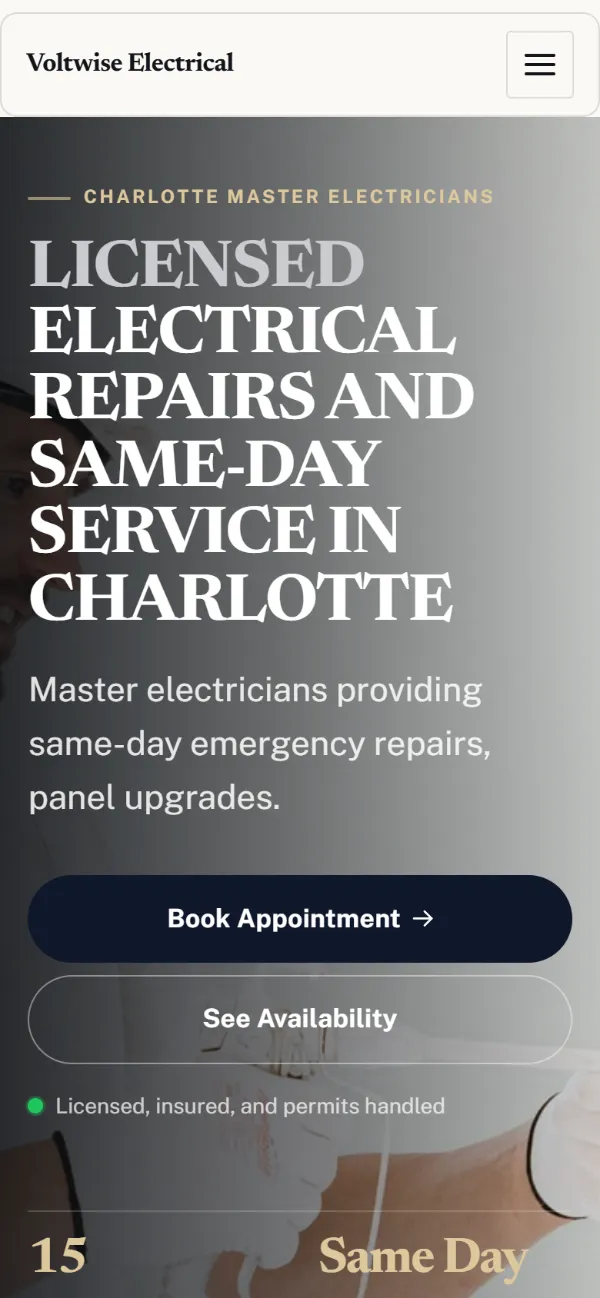
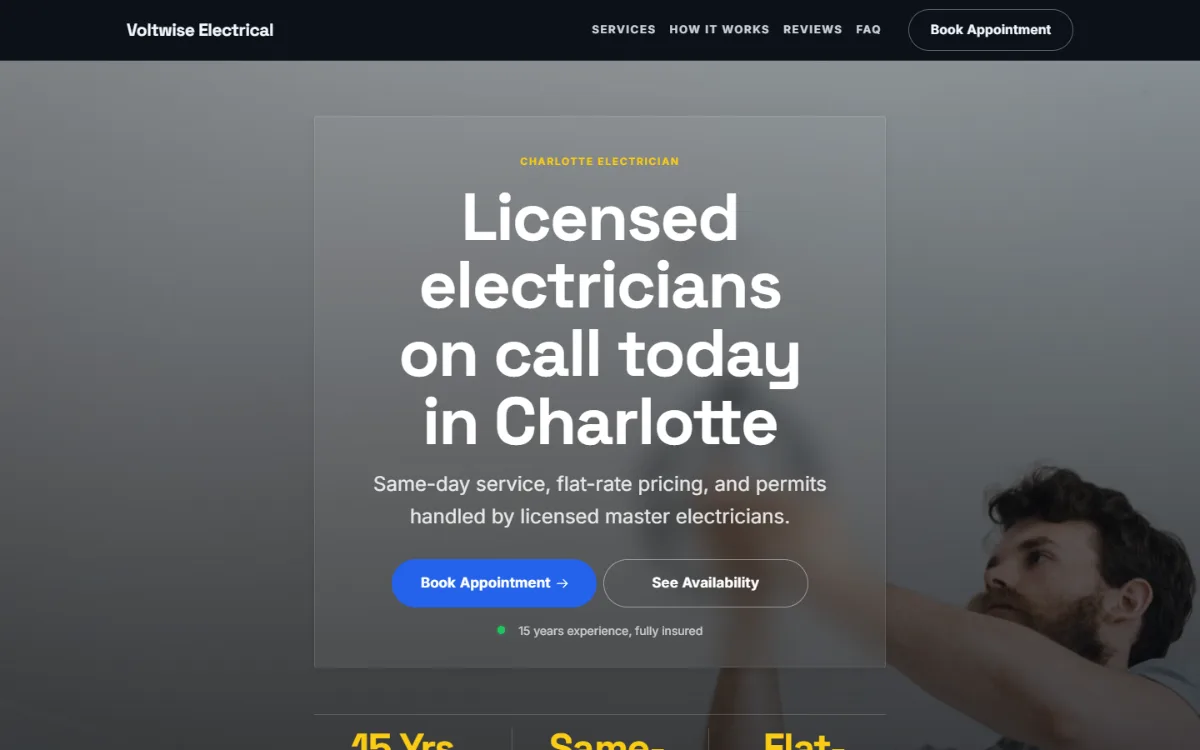
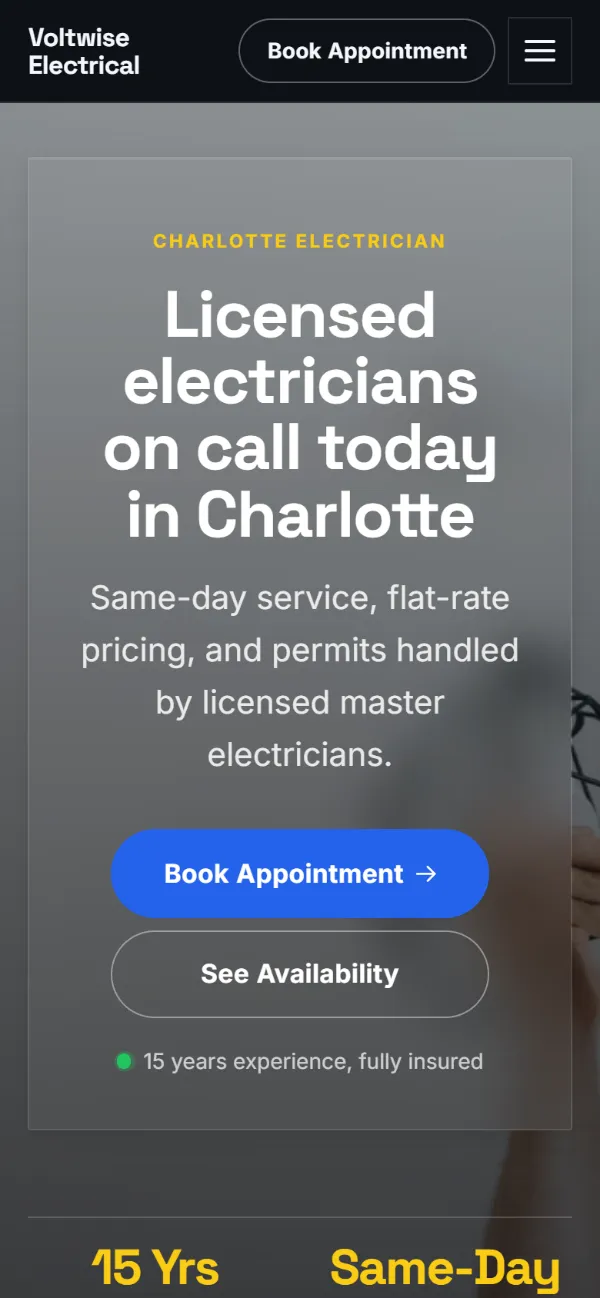
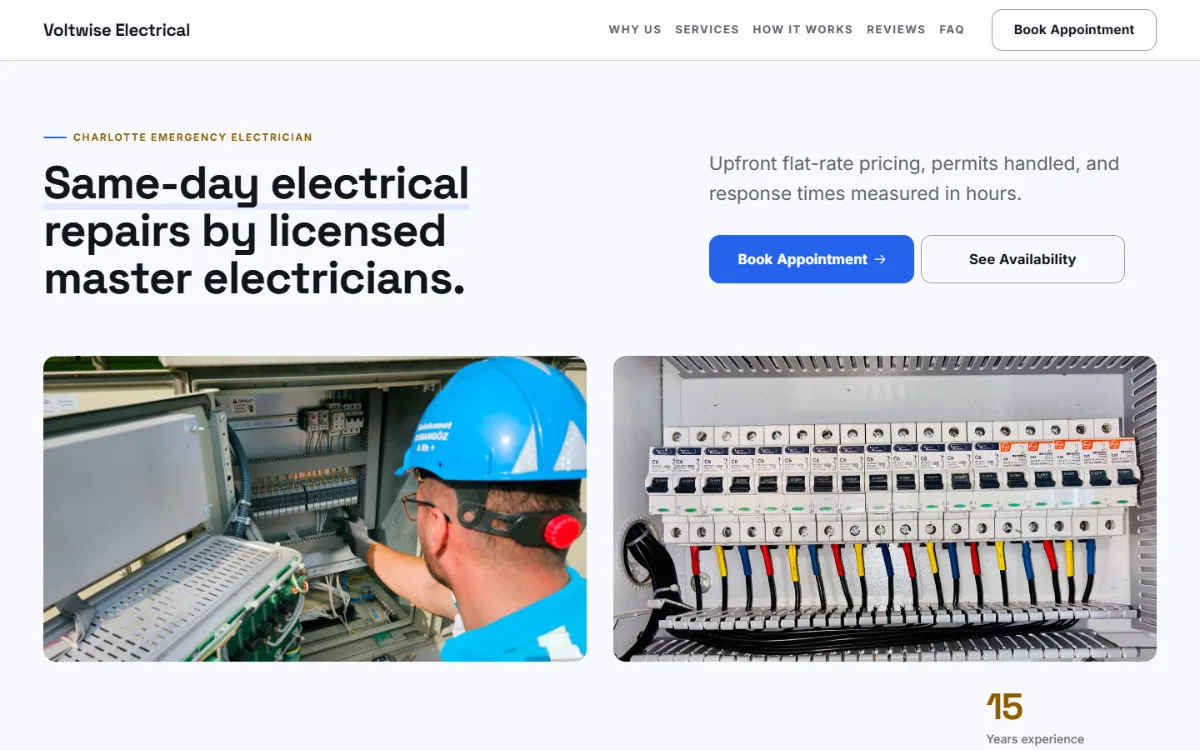
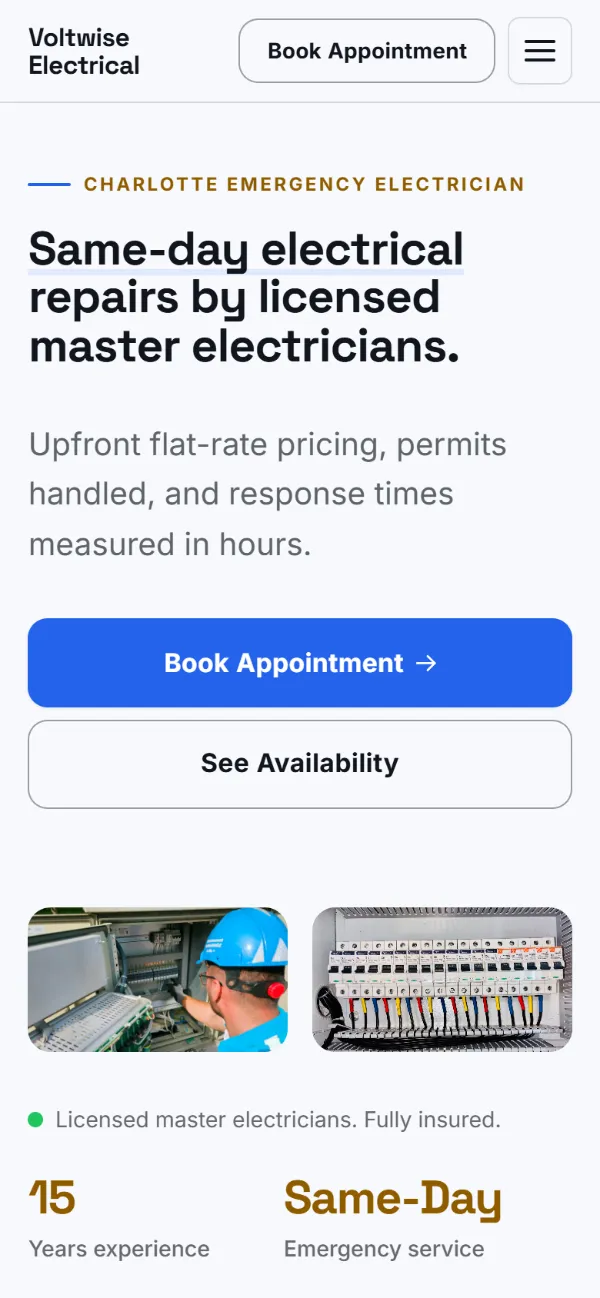
Six real WeBoss builds for Voltwise Electrical, a made-up business, each with a working booking form. Pick a style; your site is built in it with your own words and photos.

How it works

Make it yours. Get booked.

Click to change anything. Customers book while you work.

01 · Change anything

Click it. Type. Done.

Press Random for a new design. Your words stay.

02 · Get booked

Bookings while you work

Customers pick a time. It lands on your dashboard.

Features

Bookings, quotes and leads, all built in

No plugins, no add-ons. Scroll, or tap a feature, to see it work.

A whole website in about a minute

Answer five questions. AI writes the words, picks the photos and lays it out.

The checklist

What an electrician website needs

Six things. Your WeBoss site has all of them from the first build.

  • Your licence, first

    Electrical work is a trust buy. The licence belongs on the first screen.

  • The jobs you take

    Panels, EV chargers, lighting. Name them so the right calls come in.

  • Flat rates

    A price for common jobs stops the "how much to add an outlet" calls.

  • A number for emergencies

    Sparks and outages are a phone call. One tap rings you.

  • Online booking

    Non-urgent work books itself while you are on a ladder.

  • Set up for Google

    Title, description and business details filed in one click.

Design guide

Electrician website design: safety first, then speed

Hiring an electrician is a safety decision. Customers want proof you are licensed before they care about anything else, and then they want to know whether you do their particular job, from a tripping breaker to an EV charger.

  1. Show the licence before the logo

    Licensed, insured and the licence number, in the first screen. Electrical work done badly burns houses down, and customers know it.

  2. List jobs by what the customer calls them

    "Lights flickering", "breaker keeps tripping", "need more sockets". People describe symptoms. A list in their words tells them you fix exactly that.

  3. Give the newer work its own space

    EV chargers, panel upgrades and smart home wiring are growing, well-paid jobs. A short section on each catches customers who search for them by name.

  4. Separate homes from businesses

    If you do both, say so with two short lists. A shop owner and a homeowner are looking for different reassurance.

  5. State your call-out terms

    A call-out fee, an hourly rate or fixed prices for common jobs. Clear terms sound like a professional; "call for a quote" sounds like a surprise bill.

What to put on a electrician website, in order

  1. Licensed and insured, with the number
  2. Call button and emergency hours
  3. Jobs listed in plain words
  4. EV chargers and panel upgrades
  5. Prices or call-out terms
  6. Booking for inspections and estimates
  7. Reviews and the area you cover

What people type before they find you

Customers search for an electrician by the fault or by the upgrade they want. Both lists belong on the page, in the customer's words.

  • electrician near me
  • ev charger installation
  • breaker keeps tripping
  • panel upgrade cost
  • emergency electrician
  • licensed electrician in [your town]

Examples of how people phrase it. Use the ones that fit your work in your headline and your services.

Why WeBoss

Others charge extra. We include it.

Other builders sell these as apps and upgrades. Every WeBoss site comes with them.

WeBoss compared with website builders and a web agency
FeatureWeBossWebsite buildersWeb agency
Site built for you from 5 questionsAbout a minuteYou fill a template2–6 weeks
Instant quote calculatorPaid appCustom build
Online bookingHigher plan or appExtra cost
Every lead in one listSpread across apps
CRM with pipelines and follow-upsProPaid app
Half-finished forms caughtPro
Quotes clients accept onlineProPaid app
Google and AI search set up for youOne clickDo it yourselfExtra cost
New design, same wordsOne clickRebuild by handPaid change
Change it yourself, any timeEmail and wait
What it costs$0 to build$14.99/mo to go liveA planplus paid apps$2,200+up front

Website builders: what the big DIY builders' entry plans usually include. Many offer these as paid apps or on higher plans. Agency: typical 2026 quotes for a small-business site.

Build my site free

Pricing

Build free. Pay when you go live.

Free

Build and try it

$0

Free forever to build and preview

  • Free to build, no card needed
  • AI builds your whole site
  • 9 styles, 361 hand-made designs
  • Change anything by clicking it
  • Try booking, quote and contact forms
  • Share a free preview link
  • 5 AI credits to start
Start building free
Best for most businesses

Starter

Go live, get customers

$14.99 $4.99 first month

Then $14.99/month. Cancel anytime.

  • Everything in Free, plus
  • 1 website live, unlimited hosting
  • Your own domain, or a free weboss.io address
  • Online booking, instant quotes, contact forms
  • See and answer every lead
  • Ad tracking: Google, Meta, TikTok
  • Set up for Google and AI search
  • 50 AI credits every month
Choose Starter

Pro

For growing businesses

$39.99/month

Billed monthly. Cancel anytime.

  • Everything in Starter, plus
  • 3 live websites (+$15/mo each extra)
  • CRM with pipelines, tags and follow-ups
  • Send quotes clients accept online
  • Catch people who left a form half-done
  • No "Built by WeBoss.io" link
  • 100 AI credits every month
Choose Pro
  • Cancel anytime
  • No contract
  • No card to start
Compare every feature
What each plan includes
FeatureFreeStarterPro
AI builds your whole site
Preview link to share
Live websites–13, +$15/mo each extra
AI credits5 to start50 a month100 a month
Booking, quote and contact formsBuild and try
See and answer your leads–
Your own domain–
Hosting and SSL–
CRM: pipelines, tags, follow-ups––
Send quotes clients accept online––
Unfinished leads––
Ad tracking: Google, Meta, TikTok–
No "Built by WeBoss.io" link on your site––

FAQ

Questions? Straight answers.

Try it free
How much does an electrician website cost?

Building and previewing it is free. To go live, Starter is $14.99 a month, with hosting, booking, quotes and contact forms included.

Can I show my licence number?

Yes. Add it in the builder and it sits near the top of the page and in the footer.

Can customers get a flat rate online?

Yes. The quote calculator shows your price for jobs like outlets, lighting and EV chargers. Bigger jobs can go through a "describe the job" form.

Can customers book a visit themselves?

Yes. They pick the service and a free time. Only the times you are open are shown.

Do I need to pick an electrician template?

No. WeBoss designs the site for you from 361 hand-made section designs. You can swap any section or the whole style later.

Will I rank for "electrician near me"?

The site is set up for Google and AI assistants in one click. Local ranking also depends on your Google Business Profile and reviews.

What is the best website builder for electricians?

One that lets you show your licence prominently, list jobs clearly and take bookings or quote requests without extra apps. WeBoss is built for that. A general builder works too if you are happy to set those parts up yourself.

What should an electrician website include?

Your licence and insurance, a call button, the jobs you do in everyday words, newer services such as EV chargers, prices or call-out terms, a way to book, reviews and your service area.

Should I show my electrical licence number online?

Yes. It is public information in most states, customers are advised to check it, and showing it openly is one of the quickest ways to earn trust.

Get started

See your electrician website in about a minute.

  • Free to build
  • No card needed
  • Live from $14.99/mo
  • Cancel anytime