
Website builder for law firms

Your law firm website, built in a minute

Answer five questions. AI designs your site, with practice areas, attorney profiles and consultation booking.

  • Free to build
  • No card needed
  • Live from $14.99/mo
  • Cancel anytime

In short

What is WeBoss for law firms?

WeBoss designs and writes a website for a small law firm from five answers, in about a minute. It lays out your practice areas and attorneys, and lets a prospective client book a consultation or send a confidential enquiry. You edit every word. Building is free; going live is $14.99 a month.

  • Free to build
  • Live from $14.99/mo
  • About a minute
  • Cancel anytime

Templates

Law firm website templates

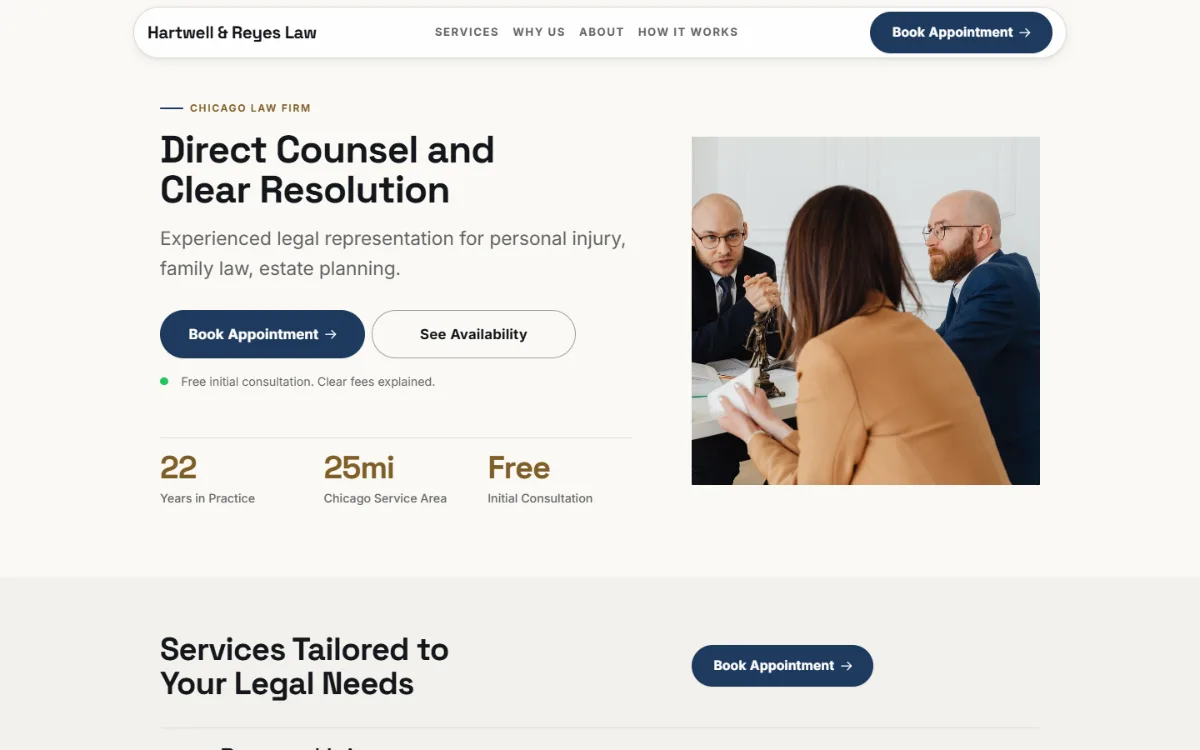
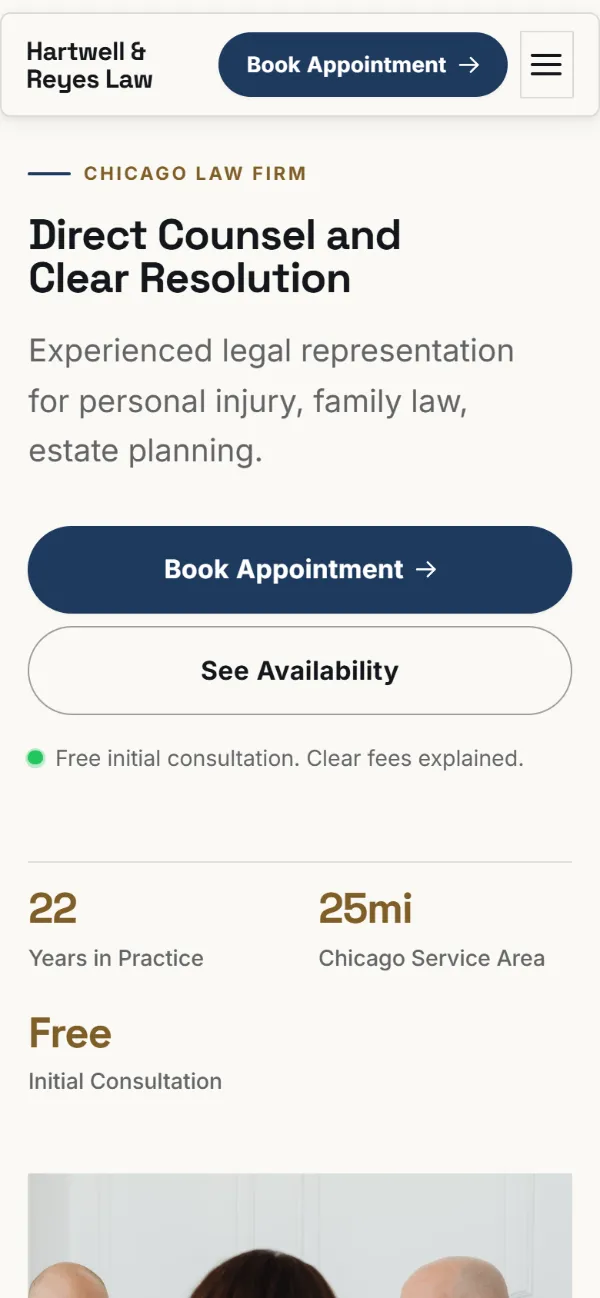
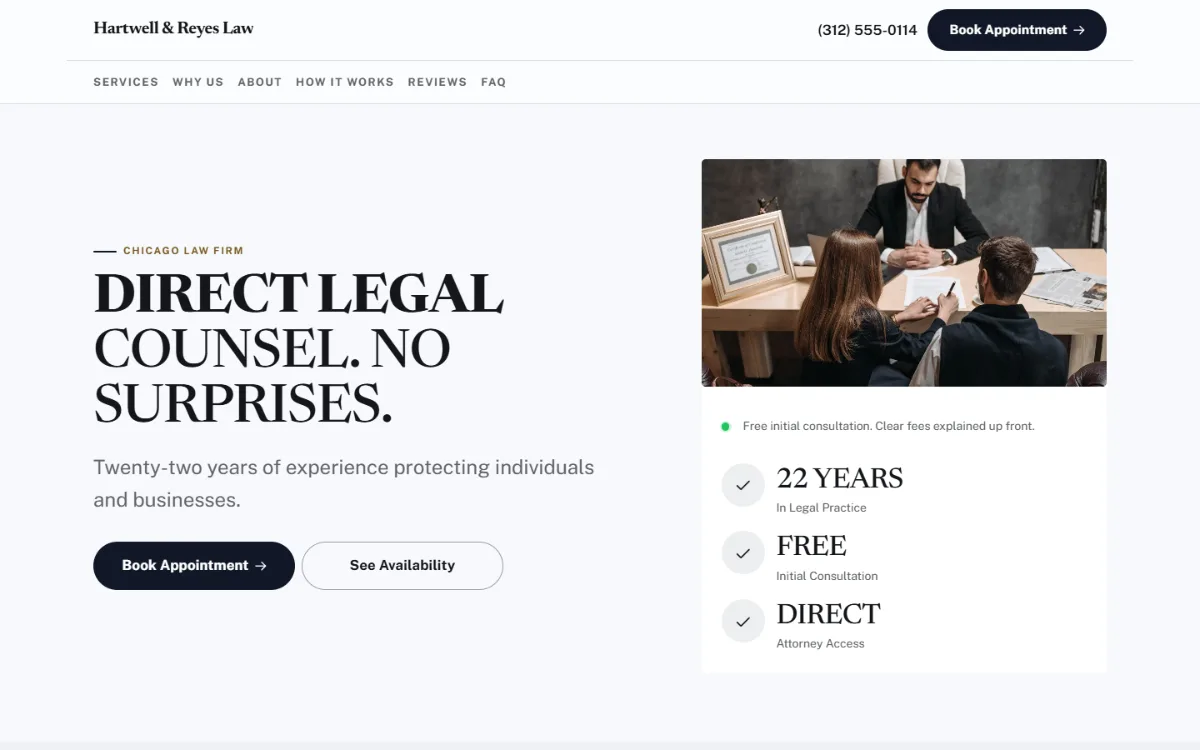
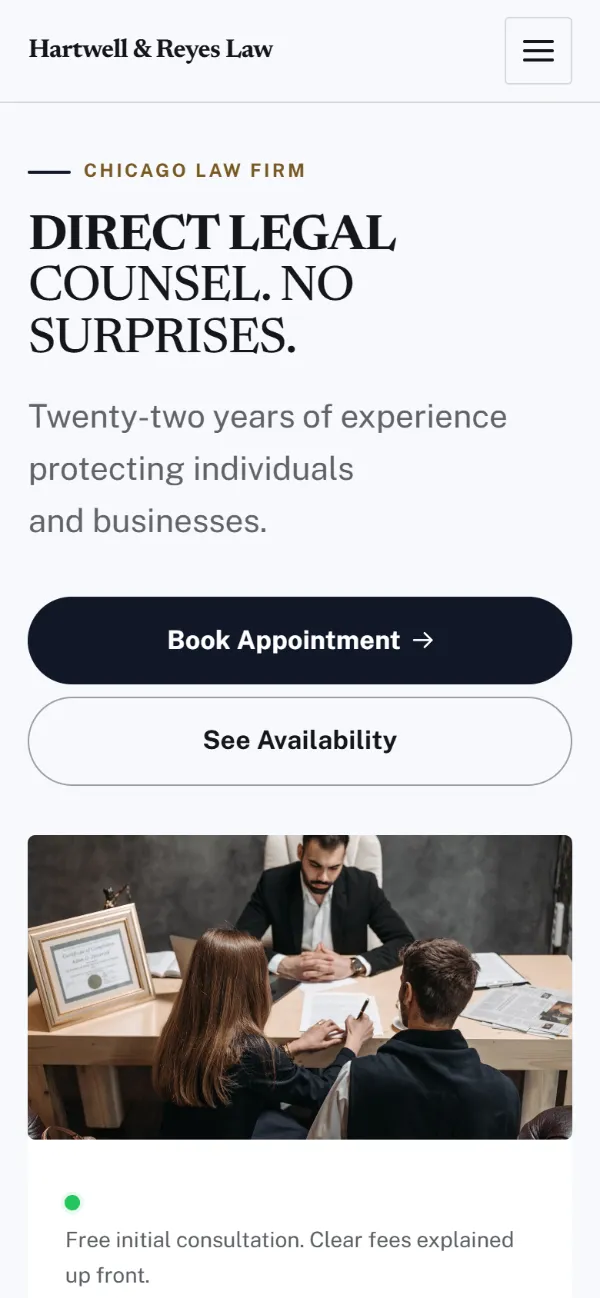
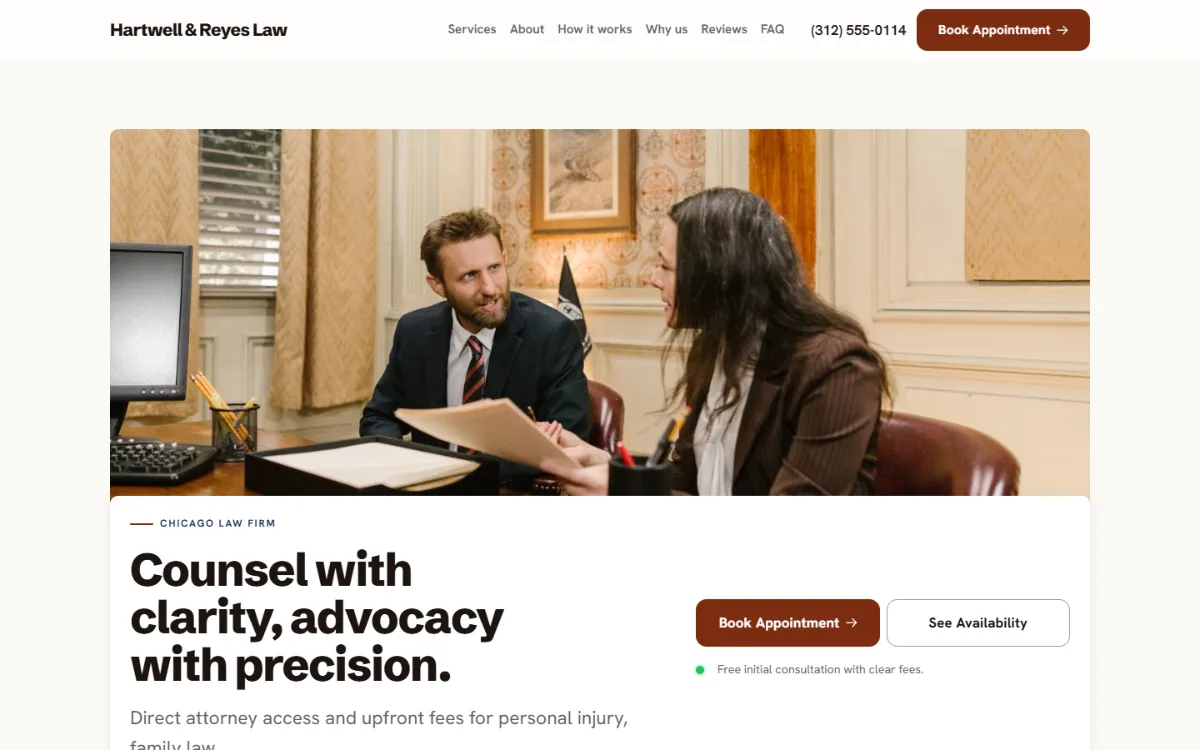
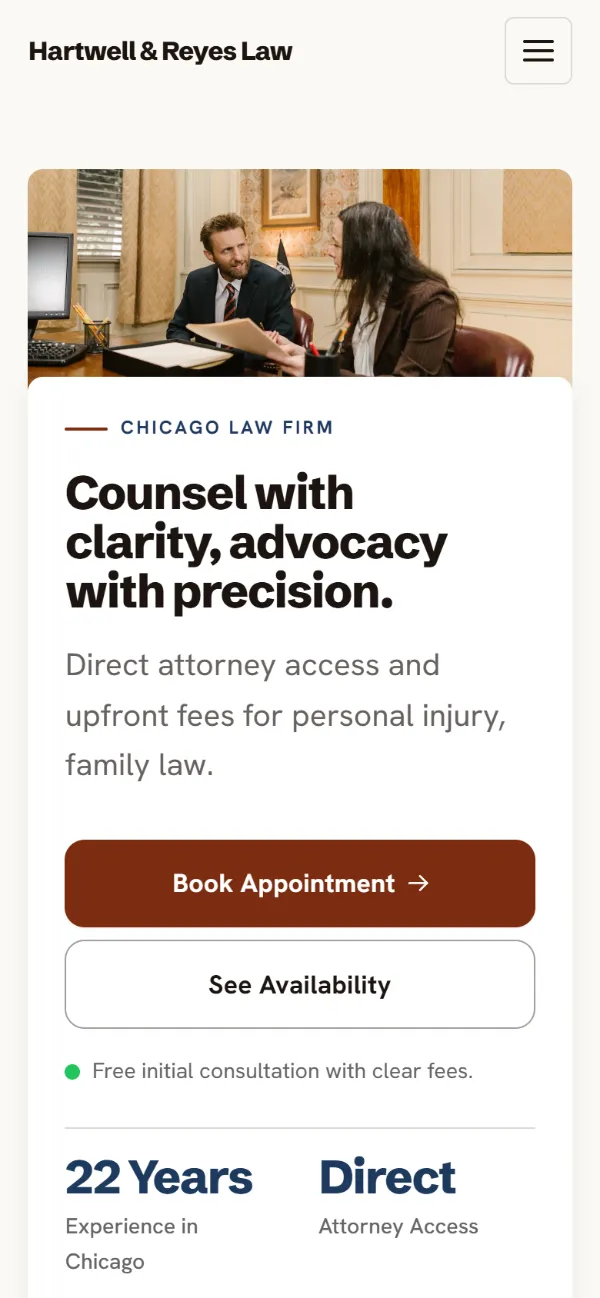
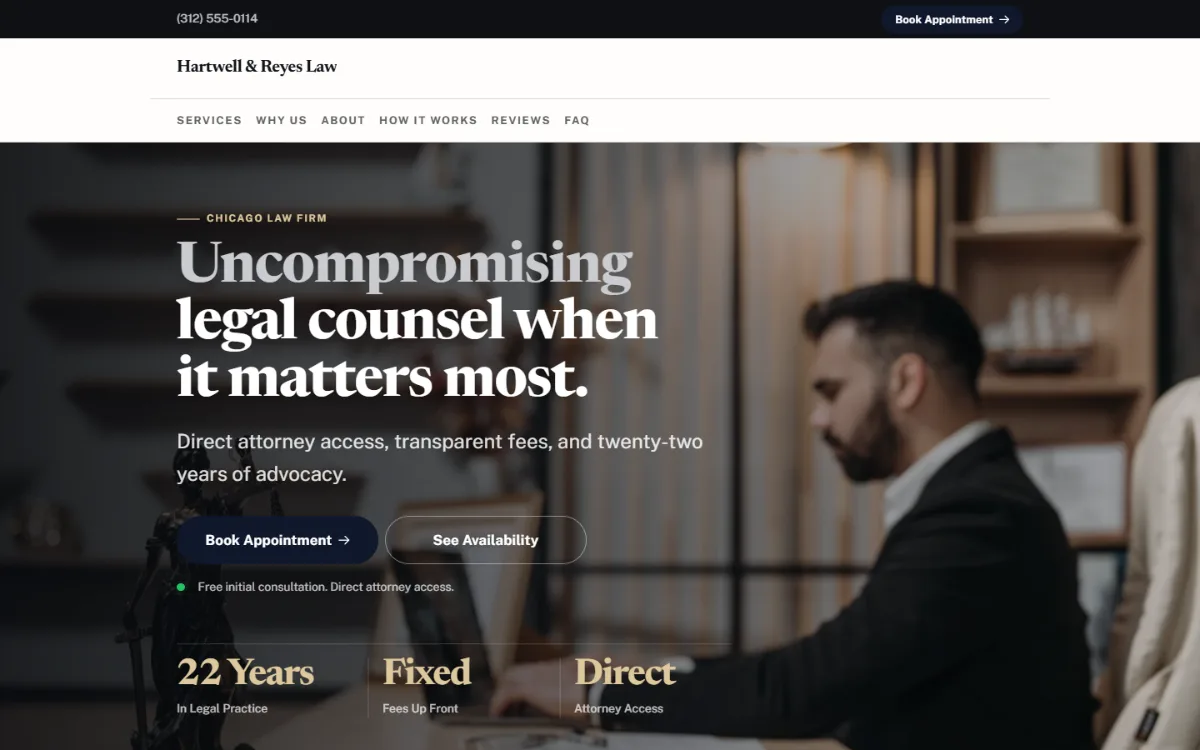
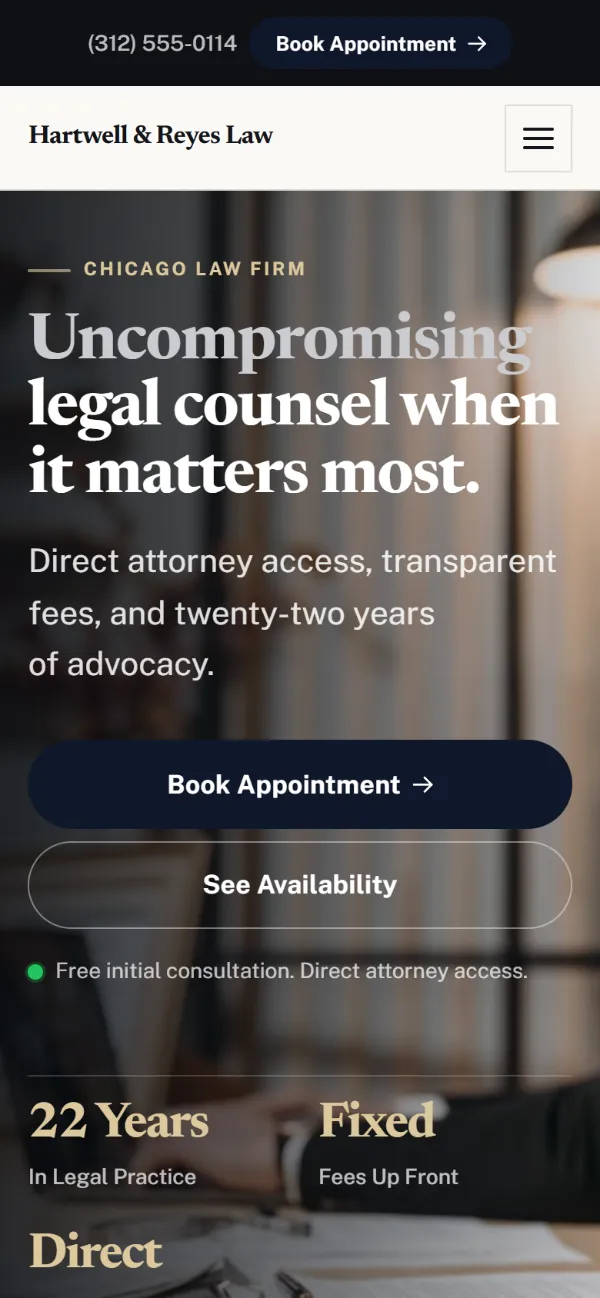
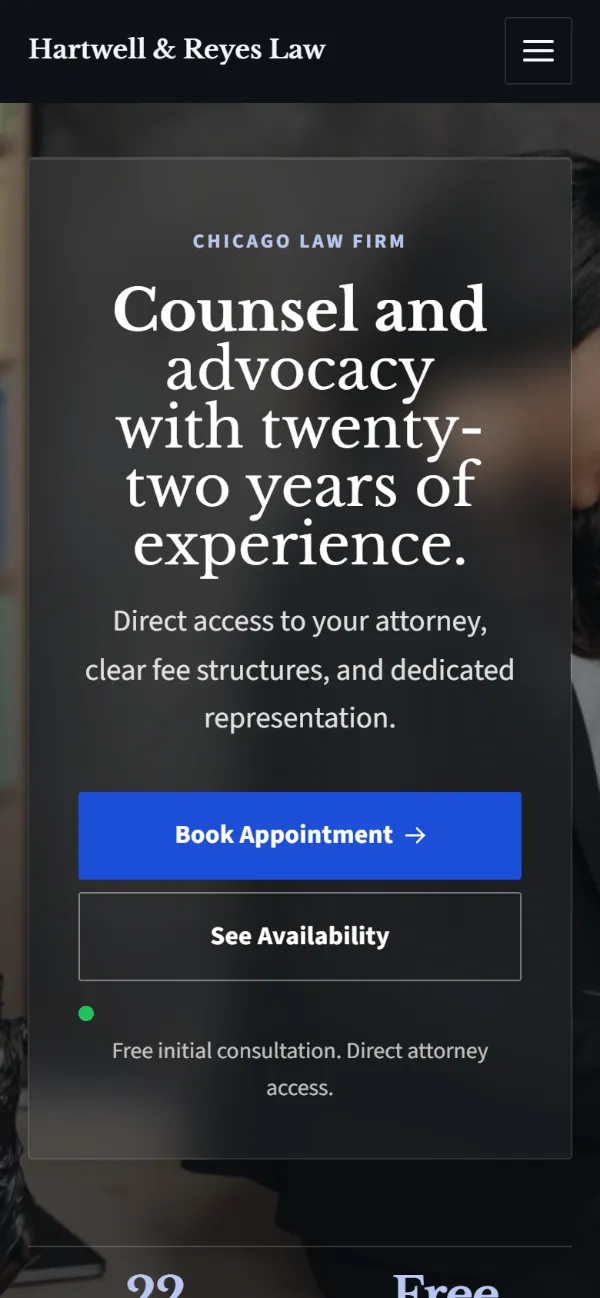
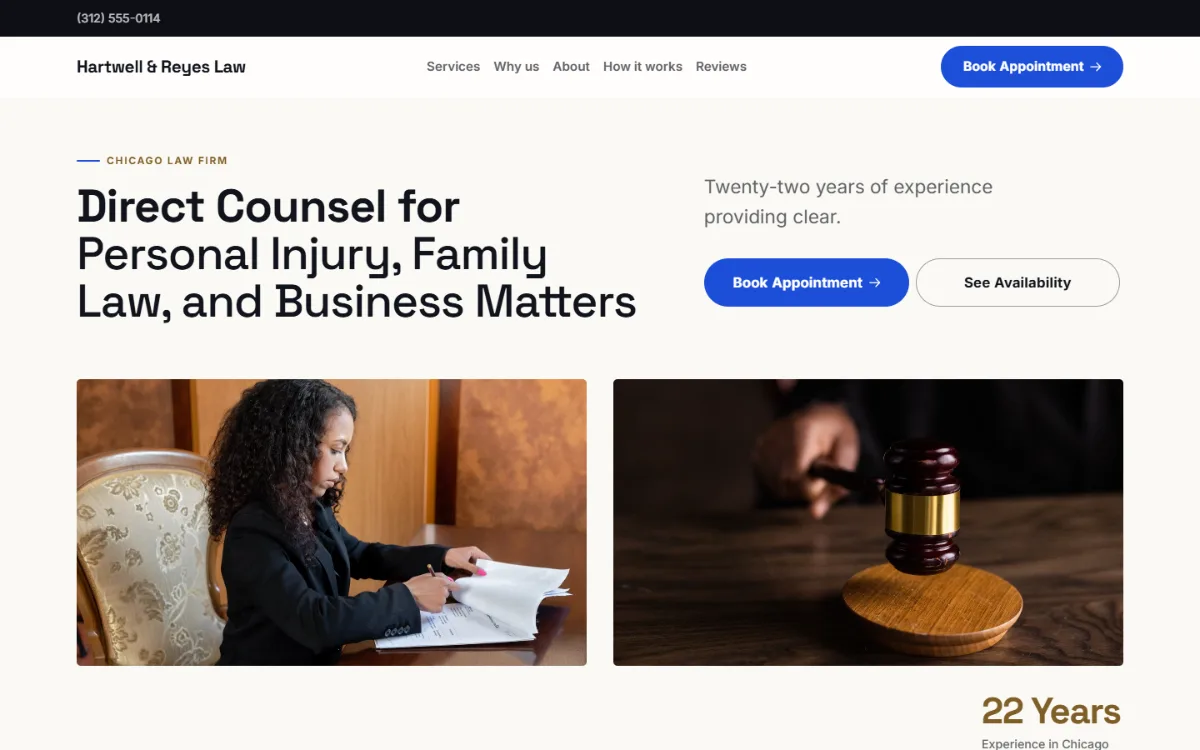
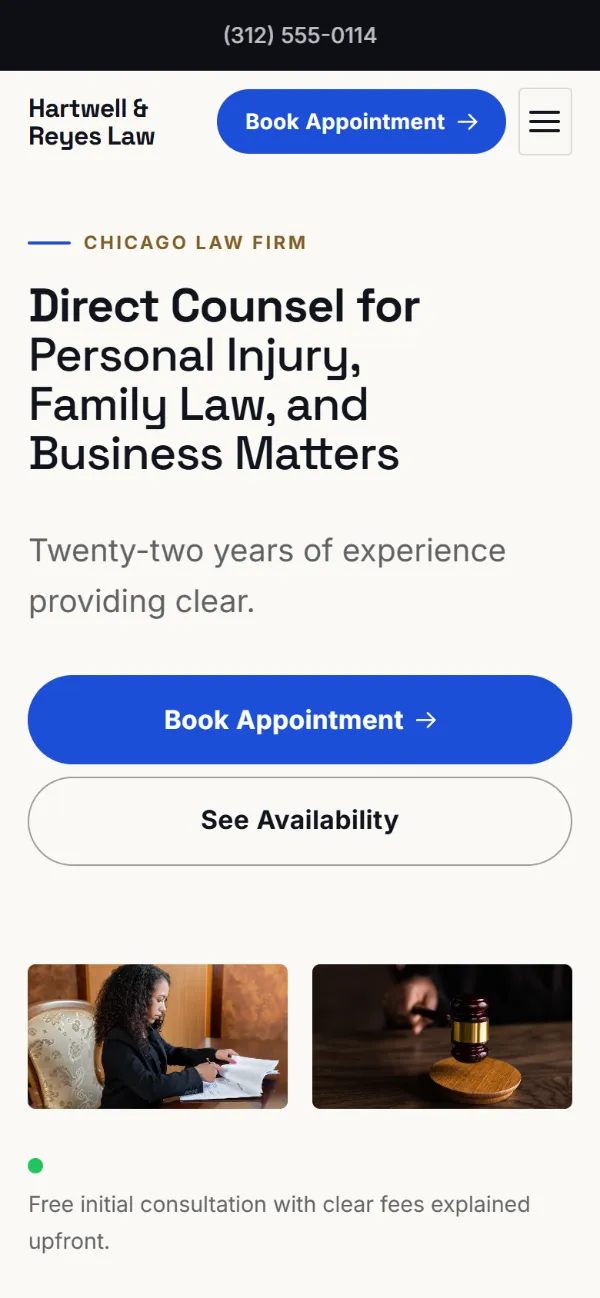
Six real WeBoss builds for Hartwell & Reyes Law, a made-up business, each with a working booking form. Pick a style; your site is built in it with your own words and photos.

How it works

Make it yours. Get booked.

Click to change anything. Customers book while you work.

01 · Change anything

Click it. Type. Done.

Press Random for a new design. Your words stay.

02 · Get booked

Bookings while you work

Customers pick a time. It lands on your dashboard.

Features

Bookings, quotes and leads, all built in

No plugins, no add-ons. Scroll, or tap a feature, to see it work.

A whole website in about a minute

Answer five questions. AI writes the words, picks the photos and lays it out.

The checklist

What a law firm website needs

Six things. Your WeBoss site has all of them from the first build.

  • Practice areas, each explained

    A person searches for their problem. Give each area its own clear section.

  • Attorney profiles

    Clients hire a lawyer, not a logo. Show who they will speak to.

  • Consultation booking

    People look for a lawyer after hours. Let them book then.

  • A confidential contact form

    Say plainly that an enquiry is private and creates no obligation.

  • How fees work

    Flat fee, hourly or contingency. Uncertainty stops the call.

  • Set up for Google

    Title, description and business details filed in one click.

Design guide

Law firm website design: plain words and one clear step

People rarely look for a lawyer on a good day. They are worried, they do not know the vocabulary, and they are afraid of the bill. A law firm website that explains things simply and offers one calm next step stands out among sites full of marble columns and Latin.

  1. Lead with what you handle

    Family law, injury, immigration, estates. Name your practice areas in the client's words: "divorce and custody", not "matrimonial matters".

  2. Make the consultation the main action

    Say whether the first consultation is free, how long it lasts and whether it is by phone or in person. Let people book it online.

  3. Show the lawyers

    A photo, where each is admitted to practise, and a few human lines. Clients are choosing a person to trust with something serious.

  4. Explain what happens next

    Three steps from first call to resolution take much of the fear away. Most visitors have never hired a lawyer before.

  5. Mind the advertising rules

    Do not promise outcomes or call yourself a specialist unless your state bar allows it. Add a line that contacting the firm does not create an attorney-client relationship, and tell people not to send confidential details through the form.

What to put on a law firm website, in order

  1. The kind of law you practise and where, with a "book a consultation" button
  2. Practice areas in plain words
  3. The lawyers and their bar admissions
  4. What to expect, step by step
  5. How fees work
  6. Answers to common questions
  7. Office address, hours and the required disclaimer

What people type before they find you

People search for a lawyer by the problem and the place, and often add "free consultation".

  • divorce lawyer near me
  • personal injury attorney free consultation
  • immigration lawyer in [your town]
  • estate planning attorney
  • how much does a lawyer cost
  • best family law firm reviews

Examples of how people phrase it. Use the ones that fit your work in your headline and your services.

Why WeBoss

Others charge extra. We include it.

Other builders sell these as apps and upgrades. Every WeBoss site comes with them.

WeBoss compared with website builders and a web agency
FeatureWeBossWebsite buildersWeb agency
Site built for you from 5 questionsAbout a minuteYou fill a template2–6 weeks
Instant quote calculatorPaid appCustom build
Online bookingHigher plan or appExtra cost
Every lead in one listSpread across apps
CRM with pipelines and follow-upsProPaid app
Half-finished forms caughtPro
Quotes clients accept onlineProPaid app
Google and AI search set up for youOne clickDo it yourselfExtra cost
New design, same wordsOne clickRebuild by handPaid change
Change it yourself, any timeEmail and wait
What it costs$0 to build$14.99/mo to go liveA planplus paid apps$2,200+up front

Website builders: what the big DIY builders' entry plans usually include. Many offer these as paid apps or on higher plans. Agency: typical 2026 quotes for a small-business site.

Build my site free

Pricing

Build free. Pay when you go live.

Free

Build and try it

$0

Free forever to build and preview

  • Free to build, no card needed
  • AI builds your whole site
  • 9 styles, 361 hand-made designs
  • Change anything by clicking it
  • Try booking, quote and contact forms
  • Share a free preview link
  • 5 AI credits to start
Start building free
Best for most businesses

Starter

Go live, get customers

$14.99 $4.99 first month

Then $14.99/month. Cancel anytime.

  • Everything in Free, plus
  • 1 website live, unlimited hosting
  • Your own domain, or a free weboss.io address
  • Online booking, instant quotes, contact forms
  • See and answer every lead
  • Ad tracking: Google, Meta, TikTok
  • Set up for Google and AI search
  • 50 AI credits every month
Choose Starter

Pro

For growing businesses

$39.99/month

Billed monthly. Cancel anytime.

  • Everything in Starter, plus
  • 3 live websites (+$15/mo each extra)
  • CRM with pipelines, tags and follow-ups
  • Send quotes clients accept online
  • Catch people who left a form half-done
  • No "Built by WeBoss.io" link
  • 100 AI credits every month
Choose Pro
  • Cancel anytime
  • No contract
  • No card to start
Compare every feature
What each plan includes
FeatureFreeStarterPro
AI builds your whole site
Preview link to share
Live websites–13, +$15/mo each extra
AI credits5 to start50 a month100 a month
Booking, quote and contact formsBuild and try
See and answer your leads–
Your own domain–
Hosting and SSL–
CRM: pipelines, tags, follow-ups––
Send quotes clients accept online––
Unfinished leads––
Ad tracking: Google, Meta, TikTok–
No "Built by WeBoss.io" link on your site––

FAQ

Questions? Straight answers.

Try it free
How much does a law firm website cost?

Building and previewing it is free. To go live, Starter is $14.99 a month, with hosting, booking and contact forms included. Agencies typically charge several thousand dollars.

Can clients book a consultation online?

Yes. They pick a free time and it lands on your bookings list and in your email.

Who writes the content?

The AI drafts it from your answers and you can edit every word. Review it against your state bar advertising rules before you publish.

Can I add a disclaimer?

Yes. Add it to the footer or any section by clicking and typing.

Is the contact form secure enough for case details?

It is sent over an encrypted connection and stored in your account. Ask clients to share only what is needed to arrange a consultation.

Will the firm show up on Google?

The site is set up for Google and AI assistants in one click. Legal search is competitive, so a Google Business Profile and reviews matter too.

What is the best website builder for a law firm?

A small firm needs a clear, professional page with consultation booking and room for practice areas. WeBoss builds that in about a minute. Larger firms that publish many articles or need client portals are better served by a custom site.

What should a law firm website include?

Your practice areas in plain words, the lawyers and where they are admitted, how a first consultation works, how you charge, answers to common questions, your office details and the disclaimers your bar requires.

Can I add an attorney advertising disclaimer?

Yes. Every word on the site is editable, so you can add the wording your state bar requires to the footer or near the contact form. You are responsible for checking the page meets your bar's rules.

Get started

See your law firm website in about a minute.

  • Free to build
  • No card needed
  • Live from $14.99/mo
  • Cancel anytime